Photo calories
Photo Calorie Counter:
Snap, Check, Save
Snap your plate for a first estimate of foods, portions, and calories. Something off? Fix it before you save.
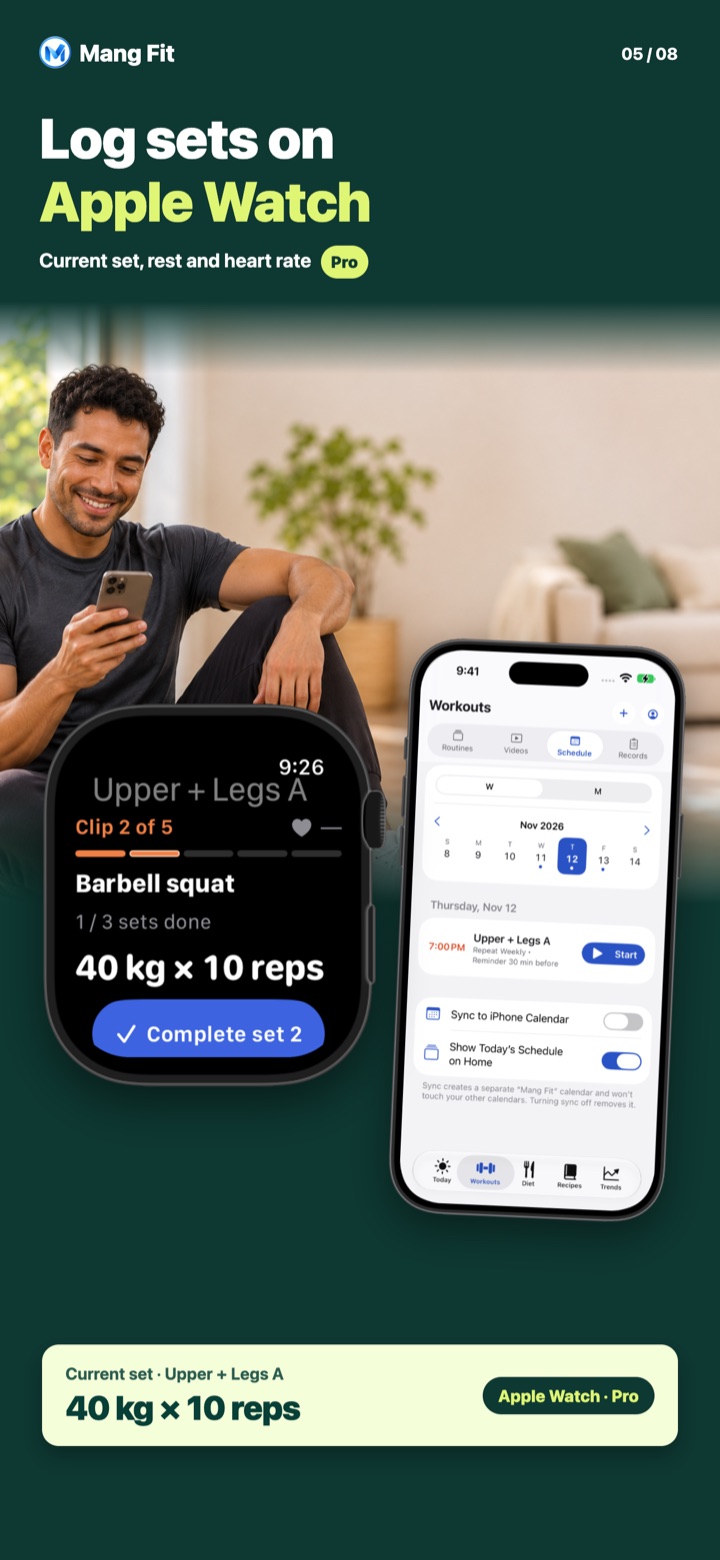
 Available for iPhone and Apple Watch
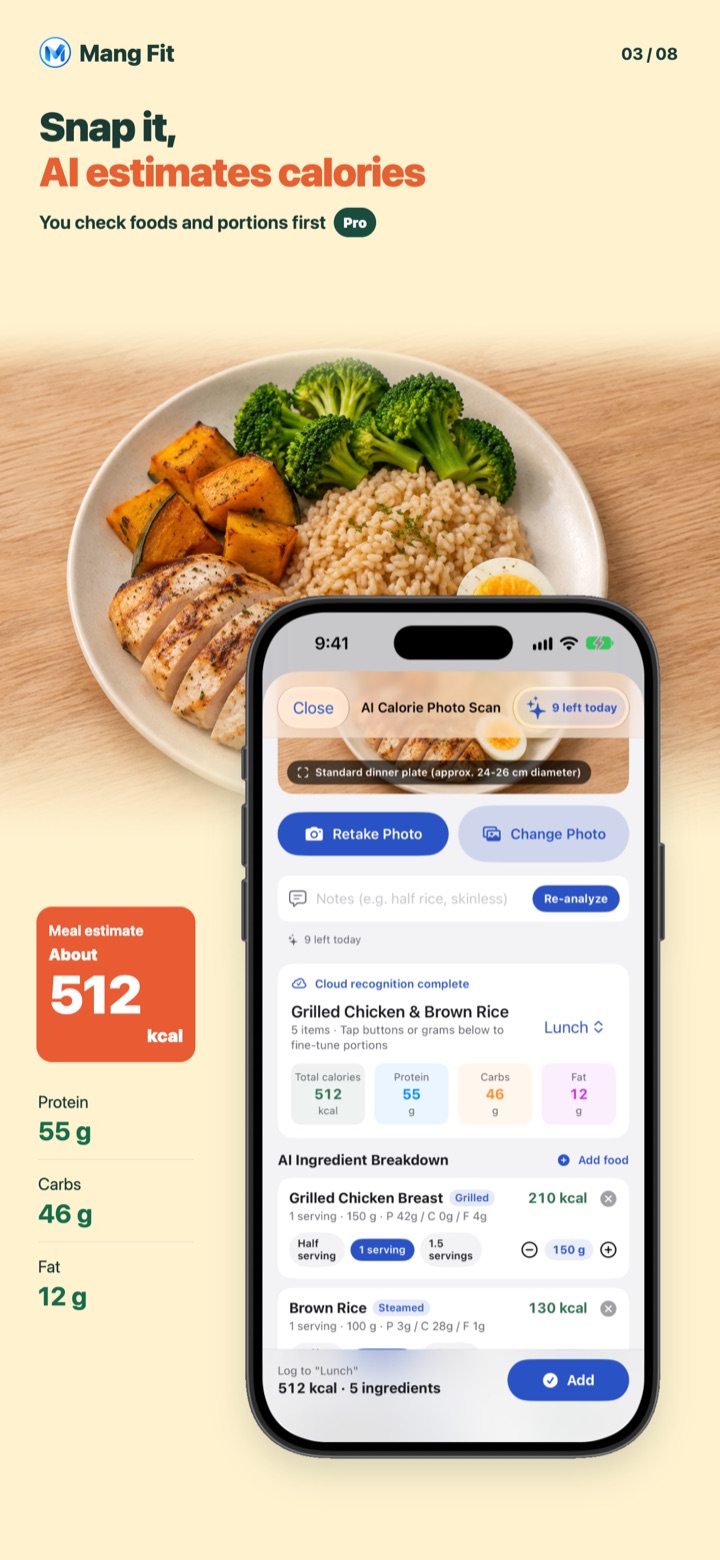
Log a meal in three steps
- Take a photo of your meal, or pick one from your library
- The AI breaks it into foods with portion and calorie estimates; add a note like "ate half the rice"
- Check or adjust each item, then tap confirm to save it to today
Rather not take a photo?
- Scan a nutrition label
- Scan a barcode for packaged food
- Say what you ate, or search the food list
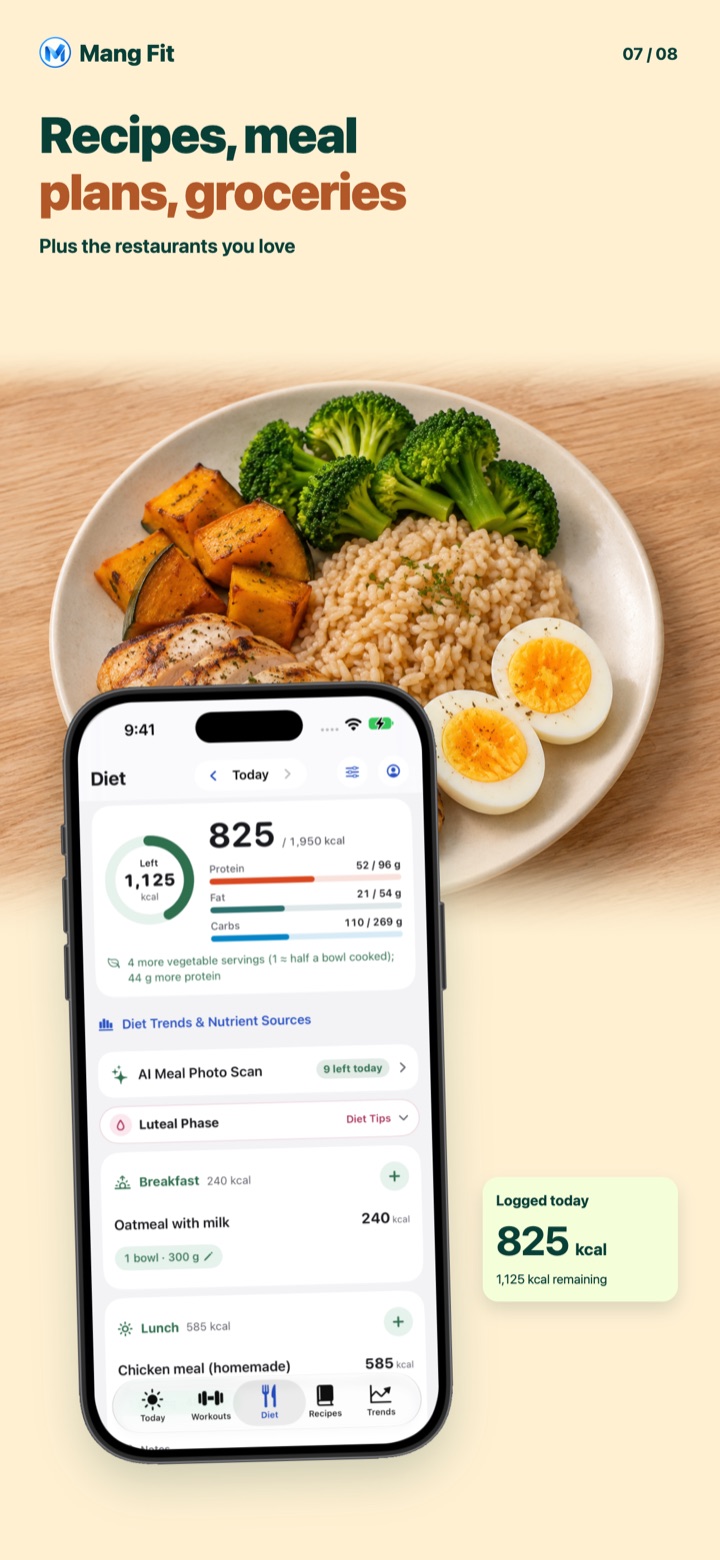
Your day at a glance
Daily calories, protein, fat, and carbs at a glance, right next to your training log.
Plans and privacy
- Calorie and nutrition totals, photo estimates, and label and barcode scanning are part of Pro. Photo estimates come with a few free tries, and cloud analysis has a daily limit
- Cloud meal analysis is optional. Only if you opt in are the meal photo and text you submit sent for analysis. If you opt out, on-device recognition still works
Cloud AI analysis is not yet available in Hong Kong and Macao in the current version. AI photo estimates are not offered in Vietnam or Türkiye.
※ AI figures are estimates for reference only, not lab-measured values.
※ MangFit is a logging and reference tool, not medical or nutrition advice.